
How to Run LLMs on a Strix Halo Mini PC
Install LM Studio or Ollama, pull weights from Hugging Face, and match model size to soldered RAM — no unverified speed claims.
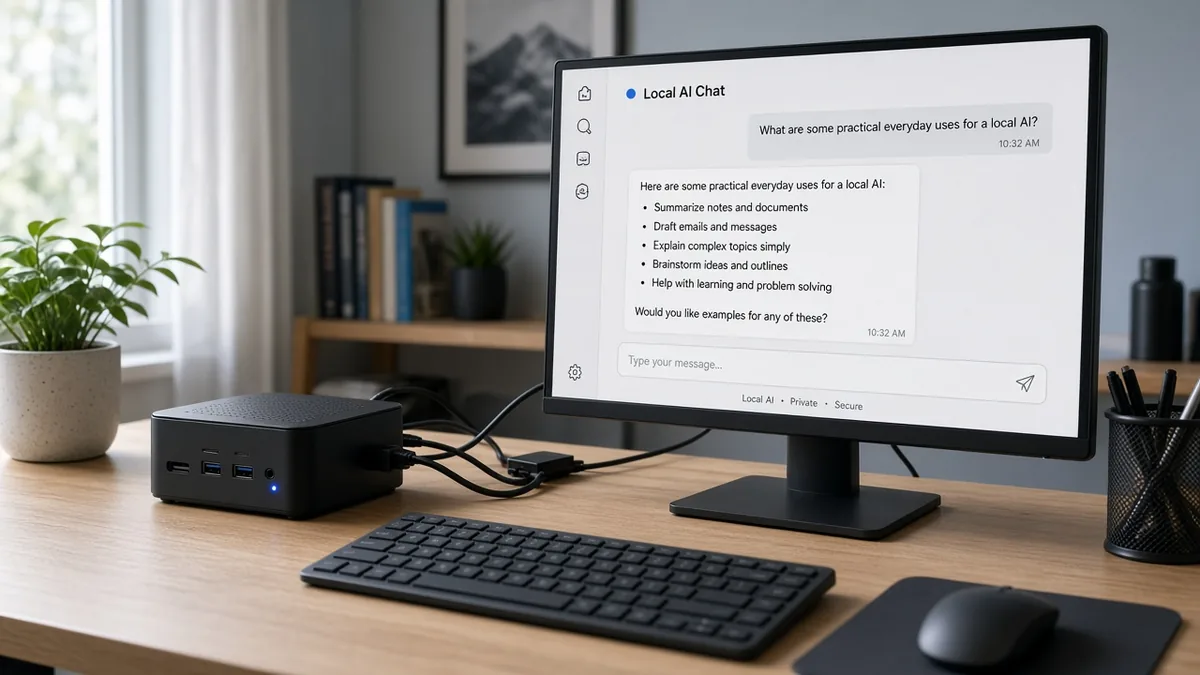
Start with LM Studio or Ollama; use llama.cpp for lower-level control. Pull weights from Hugging Face (or the runtime catalog), then size to GPU-addressable memory — Windows often caps near 96GB GPU-visible; Linux can raise GTT.
Key takeaways
- Start with LM Studio or Ollama; use llama.cpp for lower-level control.
- Get weights from Hugging Face or the runtime’s official catalog — not pirated dumps.
- Q4 planning sizes: ~42GB / ~67GB / ~142GB → 64–96 / 128 / 192GB PRO 495 tiers.
Who this is for
- Helpful when you just bought (or are about to buy) a Strix Halo mini PC and need a safe first runtime path.
- Less useful when you want tokens/sec leaderboards or unverified tuning commands.
This is a setup map, not a benchmark. There are no tokens/sec figures here — we have not measured speeds on these machines.
1. Which software to install
Start here: LM Studio (GUI) or Ollama (app + CLI). Both download and run local models with short official quickstarts.
When you want lower-level control: llama.cpp / llama.app install docs. Follow those pages for install and serve flags rather than copying unverified command snippets from elsewhere.
High-level path only:
- Install LM Studio or Ollama from the vendor’s current download/docs page.
- Pull or discover a model inside the app (see their docs — LM Studio Discover / Ollama model pull).
- Load the model and chat locally. For llama.cpp, use the project’s documented
llama cli/llama serveflow after install.
Official docs: LM Studio basics · LM Studio download a model · Ollama documentation · Ollama on Windows · llama.cpp installation
2. Where to get models
Use public model hubs. LM Studio’s docs state it can download supported models from Hugging Face inside the Discover tab. Ollama and llama.cpp also document pulling from their catalogs / Hugging Face GGUF repos.
Do not use pirated or scraped weight dumps. Prefer the publisher’s Hugging Face repo or the runtime’s official catalog, and read each model’s license on the hub page.
Official references: LM Studio — Download an LLM · Hugging Face models · llama.cpp README (Hugging Face -hf examples)
3. How GPU memory is shared
Strix Halo machines use unified memory. The GPU-addressable figure on the price table is the vendor-published GPU share when present:
- 64GB unified → 48GB GPU-addressable
- 128GB unified → 96GB GPU-addressable
- 192GB PRO 495 → 160GB GPU-addressable
Windows commonly keeps a default near 96GB GPU-visible memory. Linux can raise GTT / similar limits so more of a 128GB or 192GB pool is usable for inference. This guide does not publish unverified registry or sysfs commands — change allocation only with vendor/OS documentation you trust, then confirm in your runtime’s memory readout.
Pick hardware tiers on the price table; pair them with the size guide below.
Model size vs RAM tiers
Rule-of-thumb weight footprints matched to the class labels on the price table (Q4-class sizes):
| Model class | ~Weight size (Q4) | Table tier that matches | Example (dated) |
|---|---|---|---|
| 70B Q4 | ~42GB | 64GB (~48GB GPU) or 96GB |  GMKtec EVO-X2 64GB Amazon $2,200 (checked November 13, 2026);  Bosgame M5 96GB Official $2,399 (checked November 13, 2026) |
| 120B MoE Q4 | ~67GB | 128GB (~96GB GPU) | GMKtec EVO-X2 128GB · 1TB Amazon $3,500 (checked November 13, 2026) |
| 235B Q4 | ~142GB | 192GB PRO 495 (~160GB GPU) | Bosgame M5 Max Official $6,199 (checked November 13, 2026) |
~42 / ~67 / ~142GB are planning sizes for Q4-class weights, not measured runtime footprints on a specific build. Context length, KV cache, and runtime overhead still need free headroom above the weight file.
More tier detail: 64 vs 96 vs 128 vs 192GB · chip upgrade: 395 vs PRO 495.
Bottom line
Install LM Studio or Ollama from official docs, pull licensed weights from Hugging Face or the runtime catalog, and buy the RAM tier that fits ~42 / ~67 / ~142GB Q4 classes — then confirm live prices on the table.
FAQ
Which runtime is “best”?
This site does not rank runtimes. LM Studio and Ollama are the least setup; llama.cpp is for people who want the project’s own CLI/server controls.
Can a 128GB 395 machine run 235B Q4?
Not under the 235B Q4 label used here. That class (~142GB weights) is matched to PRO 495 192GB rows with ~160GB GPU-addressable memory.
Where are the speed numbers?
Nowhere on this page. We have not measured tokens/sec on these machines.